Brand assets
Brand Kit
Logos, screenshots, the brand color, descriptions and key facts for anyone writing about, reviewing or linking to SecureMailMerge. Download it all at once or pick individual files below.
Questions? Write to [email protected]
Logos
SVG for print and anything that scales, PNG with a transparent background for everything else.


Logo, for dark backgrounds
Red shield with white lettering. Use on dark or photo backgrounds.

Logo, black
Single color, for print or where color is not available.




Using the logo
- Keep clear space around the logo of at least the width of the shield.
- Do not recolor, stretch, rotate or add effects to the logo.
- Use the white version on dark backgrounds.
- Write the name as one word: SecureMailMerge.
Screenshots
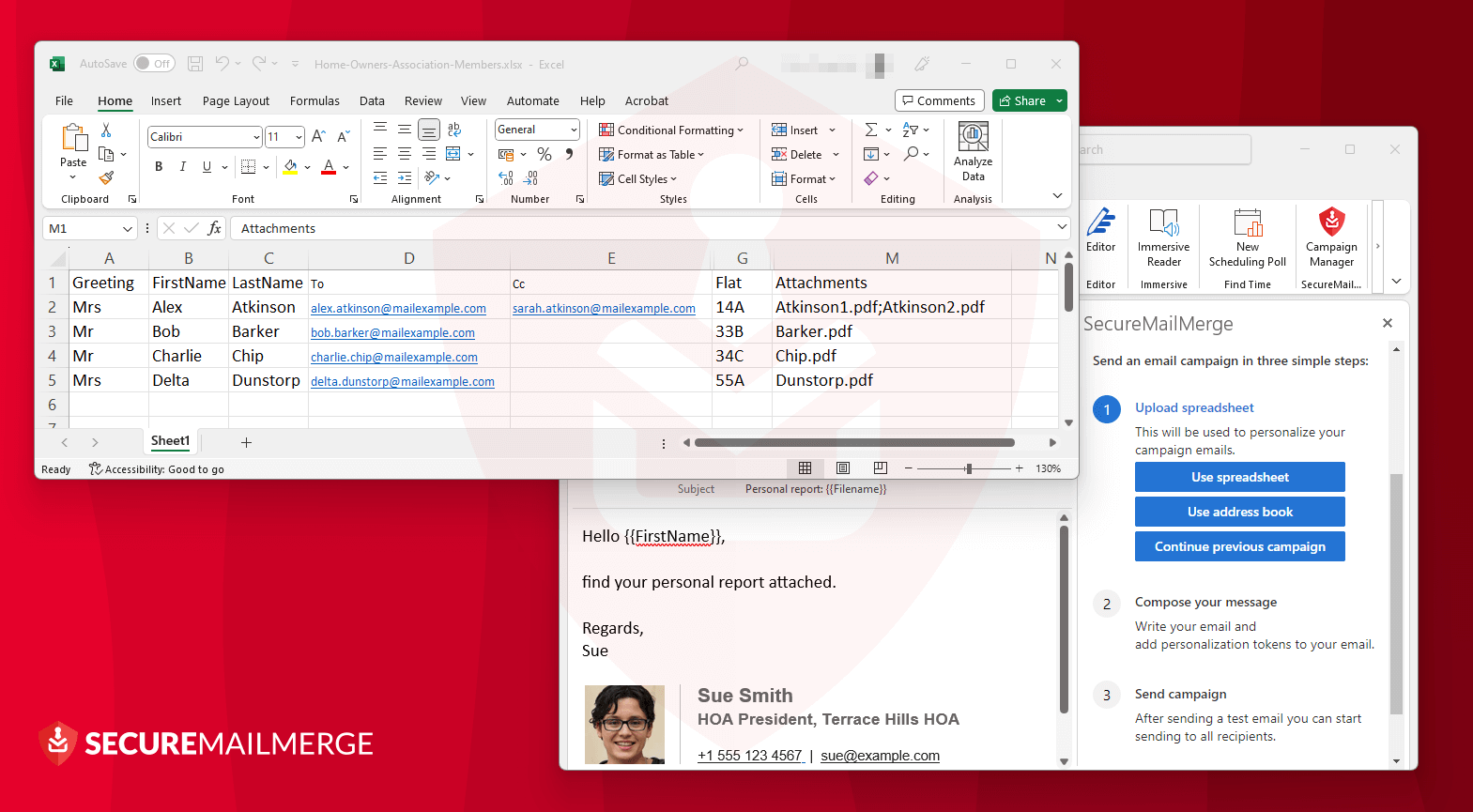
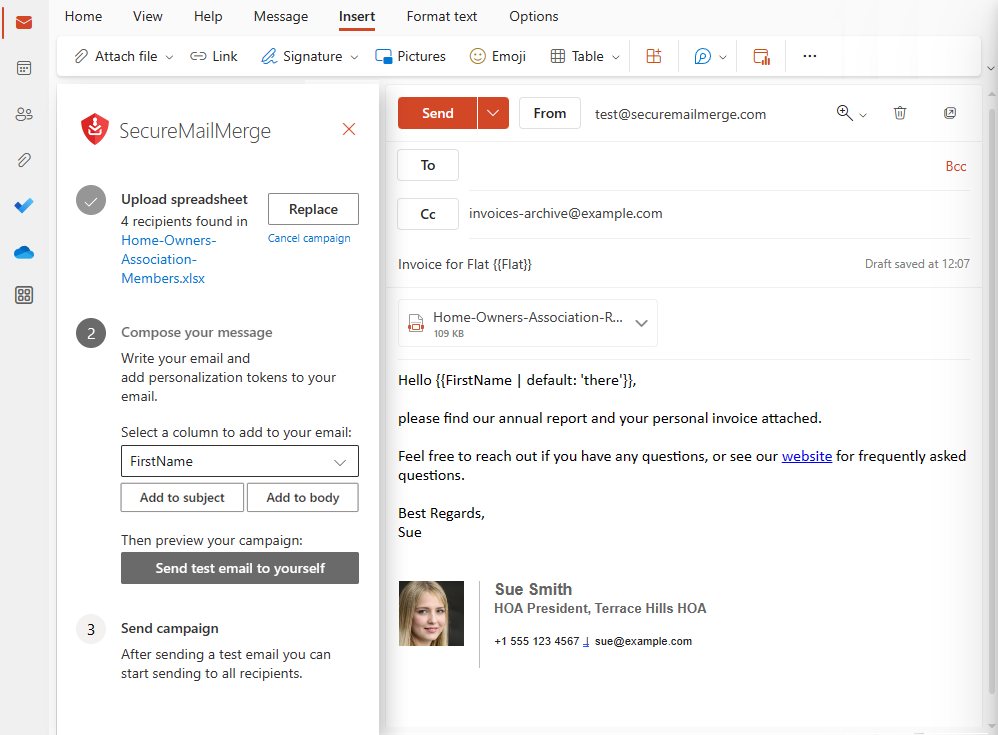
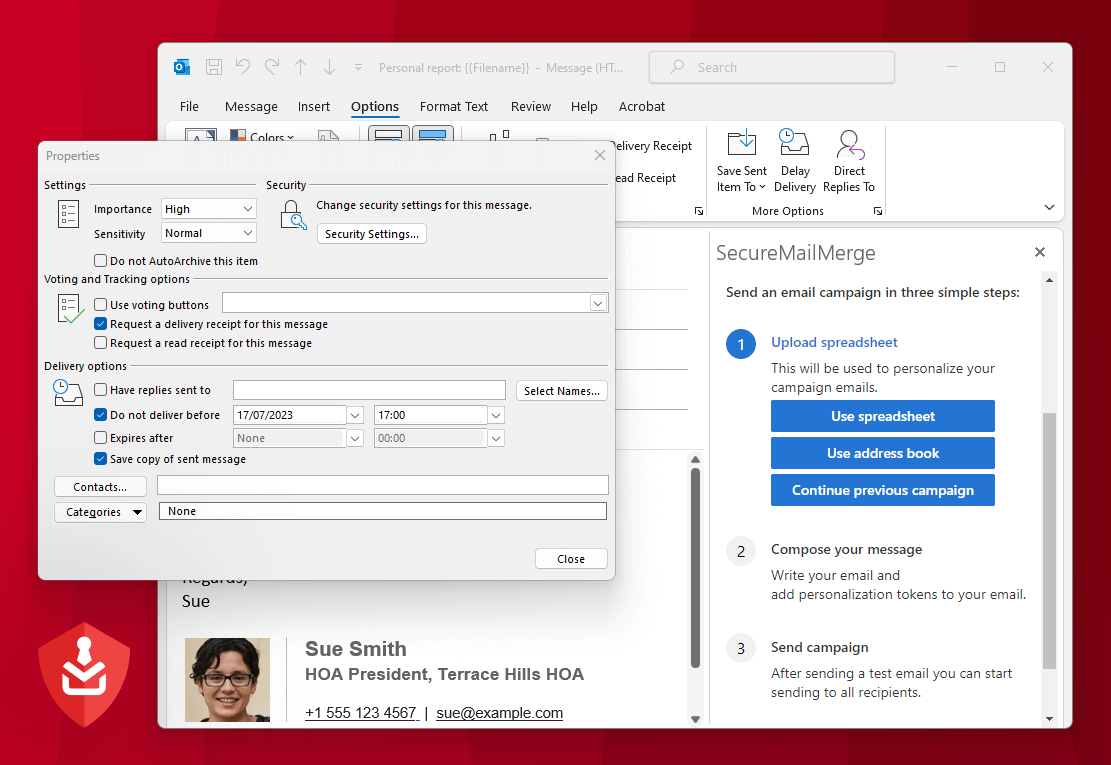
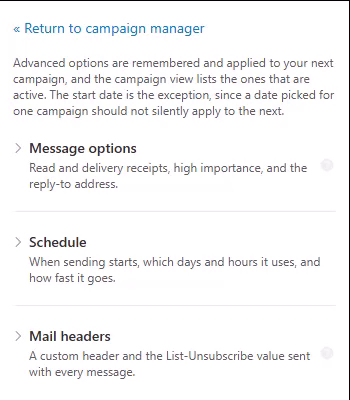
Captured from Outlook with example data. Click a screenshot to download it at full size.











Brand color
Brand red
#DC2626
Logo, buttons, links and accents
Descriptions
Use any of these as they are. No need to ask.
One line
SecureMailMerge is an Outlook add-in that sends personalized mail merge campaigns from your own Microsoft 365 mailbox.
Short (about 50 words)
SecureMailMerge is a mail merge add-in for Microsoft Outlook. It sends personalized emails, including individual attachments, from the user's own Microsoft 365 mailbox. Spreadsheets and message content are processed locally on the user's computer, so recipient data is never uploaded to a third-party email platform.
Long (about 100 words)
SecureMailMerge is a mail merge add-in for Microsoft Outlook, built for organizations that want personalized bulk email without moving recipient data into a third-party email platform. Users pick an Excel or CSV spreadsheet or Outlook contacts, compose their message in Outlook, and send. The spreadsheet and message content are processed locally on the user's computer, and every email goes out through the user's own Microsoft 365 mailbox, so it arrives as a normal Outlook email and replies stay in Outlook. SecureMailMerge adds what classic Word mail merge lacks: individual attachments, per-recipient CC and BCC, scheduling, conditional content and custom headers. It is made by Sol Inventum OÜ, based in Tallinn, Estonia.
Facts
- Product
- SecureMailMerge, a mail merge add-in for Microsoft Outlook
- Company
- Sol Inventum OÜ, Tallinn, Estonia
- Founder
- Alex Duggleby
- Works in
- New Outlook, classic Outlook for Windows, Outlook for Mac and Outlook on the web
- Requires
- A Microsoft 365 work or school mailbox
- Pricing
- Free version with a promotional footer; a license per sender removes it
- Available on
- Microsoft AppSource
- Website
- https://www.securemailmerge.com
- Contact
- [email protected]